About this tool
WSO ASPX – Advanced ASP.NET Web Shell
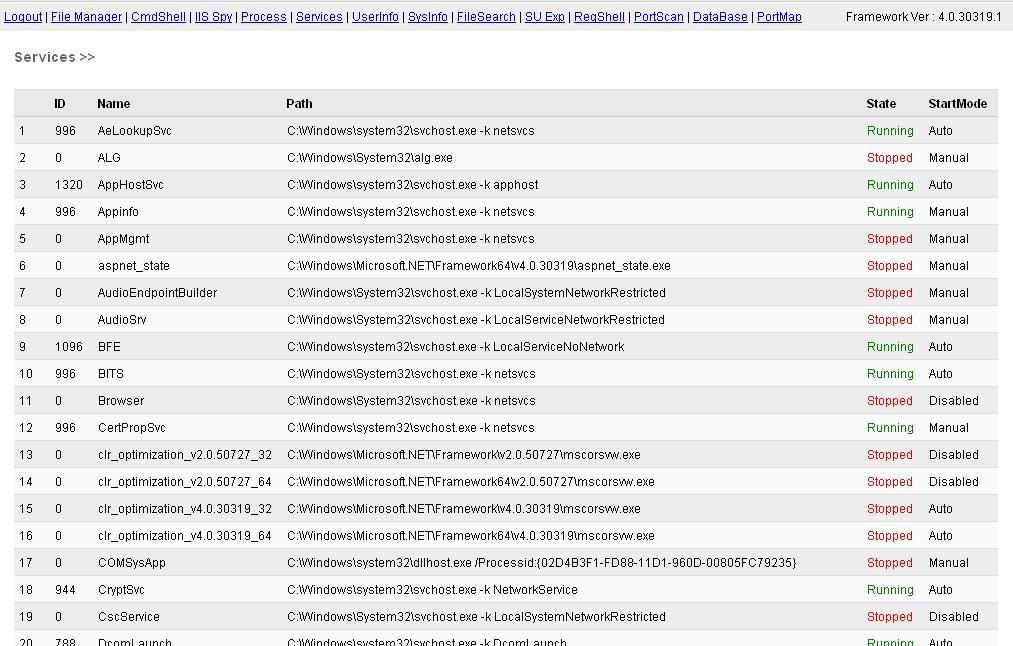
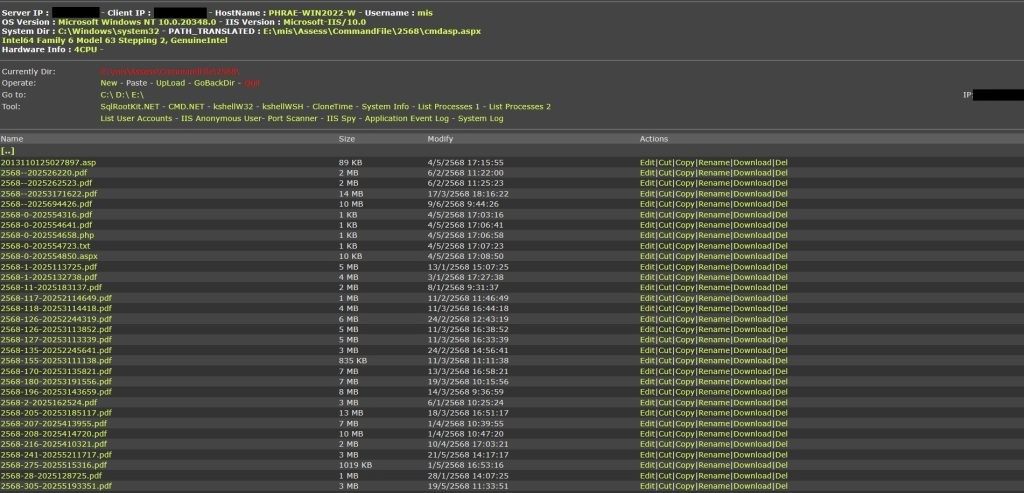
WSO ASPX is a feature-rich web shell designed for authorized security assessments and penetration testing on .NET-based Windows servers. Built for security researchers, red teams, and penetration testing professionals, it provides a centralized interface for inspecting and managing server-side resources.
Features at a Glance
Command Execution: Multiple execution interfaces leveraging Windows command-line and system APIs for authorized diagnostic operations.
File Manager: Comprehensive file and directory management, including browsing, uploading, downloading, editing, renaming, copying, and deleting files.
Registry Management: Inspect and manage Windows Registry entries with detailed system-level visibility.
SQL Management: Connect to Microsoft SQL Server, execute database queries, and inspect database configurations.
Process & User Management: View running processes, enumerate system accounts, inspect active sessions, and review Windows event logs.
Network Diagnostics: Integrated port scanning, environment variable inspection, server configuration analysis, and IIS information.
Interface & Compatibility: Lightweight interface, multilingual support, and a compact architecture designed for .NET environments.
Typical Use Cases
WSO ASPX provides security professionals with a unified environment for authorized server assessments, infrastructure diagnostics, and security research.
Typical activities include:
Deploying the tool within an authorized IIS testing environment.
Accessing the management interface through configured authentication.
Inspecting server directories and application configurations.
Reviewing database connectivity and SQL Server settings.
Analyzing running processes, system users, and active sessions.
Performing network diagnostics and reviewing IIS configurations.
Removing the testing environment and associated components after the assessment.
WSO ASPX brings together essential Windows server inspection and administration capabilities in a single, lightweight interface.
File & download
This tool must only be used on systems you own or have explicit written permission to test. Inspect the archive in an isolated virtual machine before running it.